Bank Reconciliation Report
BANK RECONCILIATION REPORT?

NOT CLEAR : transactions have already been not cleared by the bank.
CLEAR : transactions have already been cleared by the bank.

See also
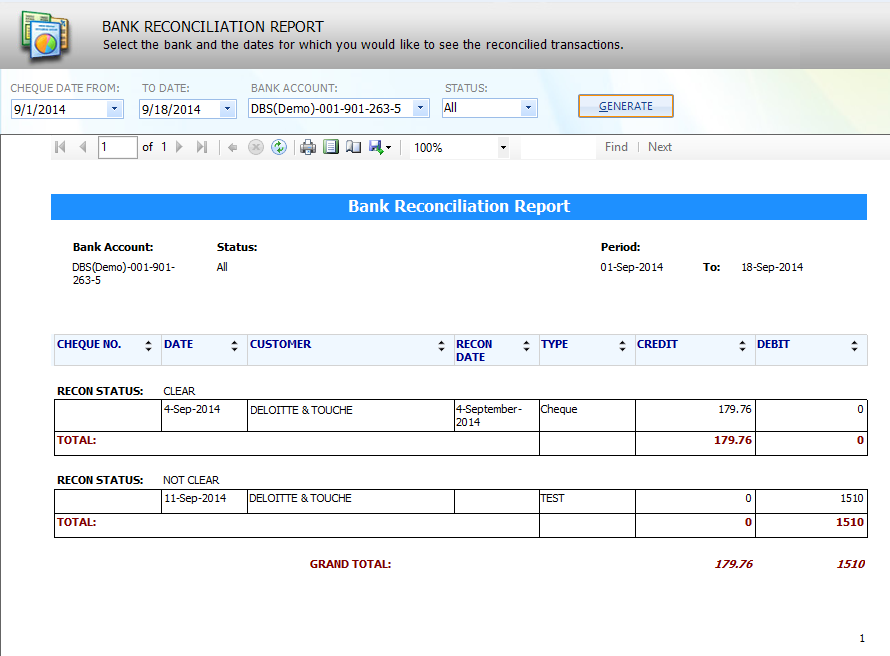
BANK RECONCILIATION REPORT?
NOT CLEAR : transactions have already been not cleared by the bank.
CLEAR : transactions have already been cleared by the bank.
See also