If users are wondering how much they have paid a particular supplier or service provider, through Bank Account , this Report is to generate the listing according to the Account Category.
ACCOUNT REPORT?
If users are wondering how much they have paid a particular supplier or service provider, through Bank Account , this Report is to generate the listing according to the Account Category.


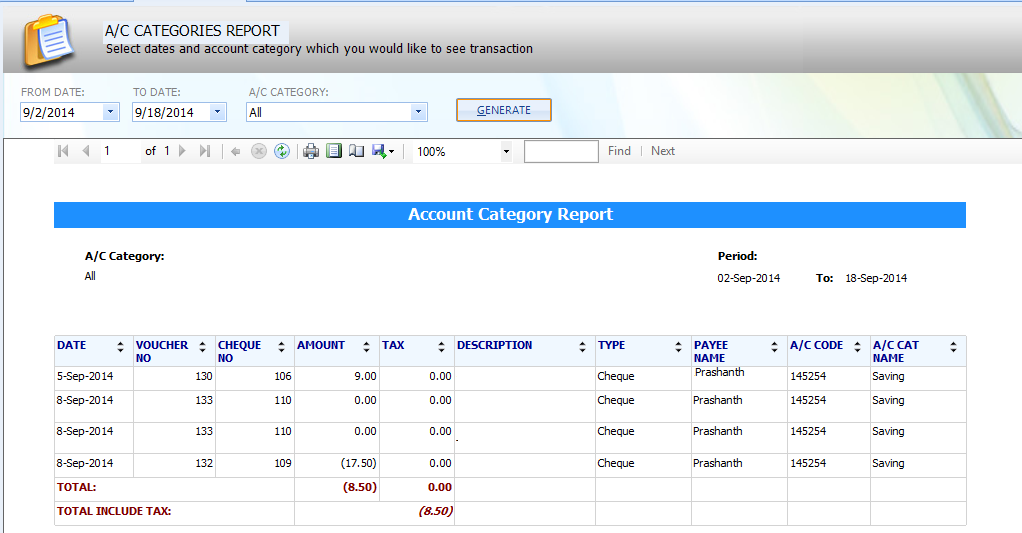

number and Voucher No, description of the related transaction, the amounts withdrawn or Paid with per transaction, Bank account category name
Bank Reconciliation Report
Bank-Wise Report - Reconciled
Deposits Report
Postdated Cheque Report
Payee-Wise Report
Cheque Book Report